Clover can make checkout easier — when it is set up for how your business actually works
Clover is not just a card reader. It can support counter checkout, mobile payments, invoices, online ordering, gift cards, service billing, reporting, and staff workflows.
OmniPayUSA helps you decide if Clover is the right fit, choose the right device mix, and get the setup ready for real day-to-day use.
Clover works best when you need more than "just take the card."
Clover is strongest when payments, orders, customers, staff, tips, reporting, and simple add-ons need to live in one organized place. It is designed to be the center of how checkout, operations, and daily business flow together — not just a terminal that processes a transaction.
Six Business Types Where Clover Makes the Most Sense
Quick-Service Food
Cafés, bakeries, juice bars, sandwich shops, food trucks, and fast counters. Clover handles menus, modifiers, specials, tips, receipts, customer-facing screens, online ordering, QR ordering, and kitchen flow.
Professional Services
Estimates, invoices, online payments, scheduling, reminders, client records, and bookkeeping sync. Clover can support service professionals who need payment and basic client workflow in one place.
Healthcare + Practices
HSA/FSA acceptance, digital wallets, text-to-pay, online payment pages, and PracticePay workflows for patient billing, co-pays, balances, and reconciliation.
Commercial Checkout
Countertop or mobile POS, inventory tracking, customer records, sales reporting, gift cards, promotions, and loyalty programs for in-store retail and service businesses.
On-the-Go Teams
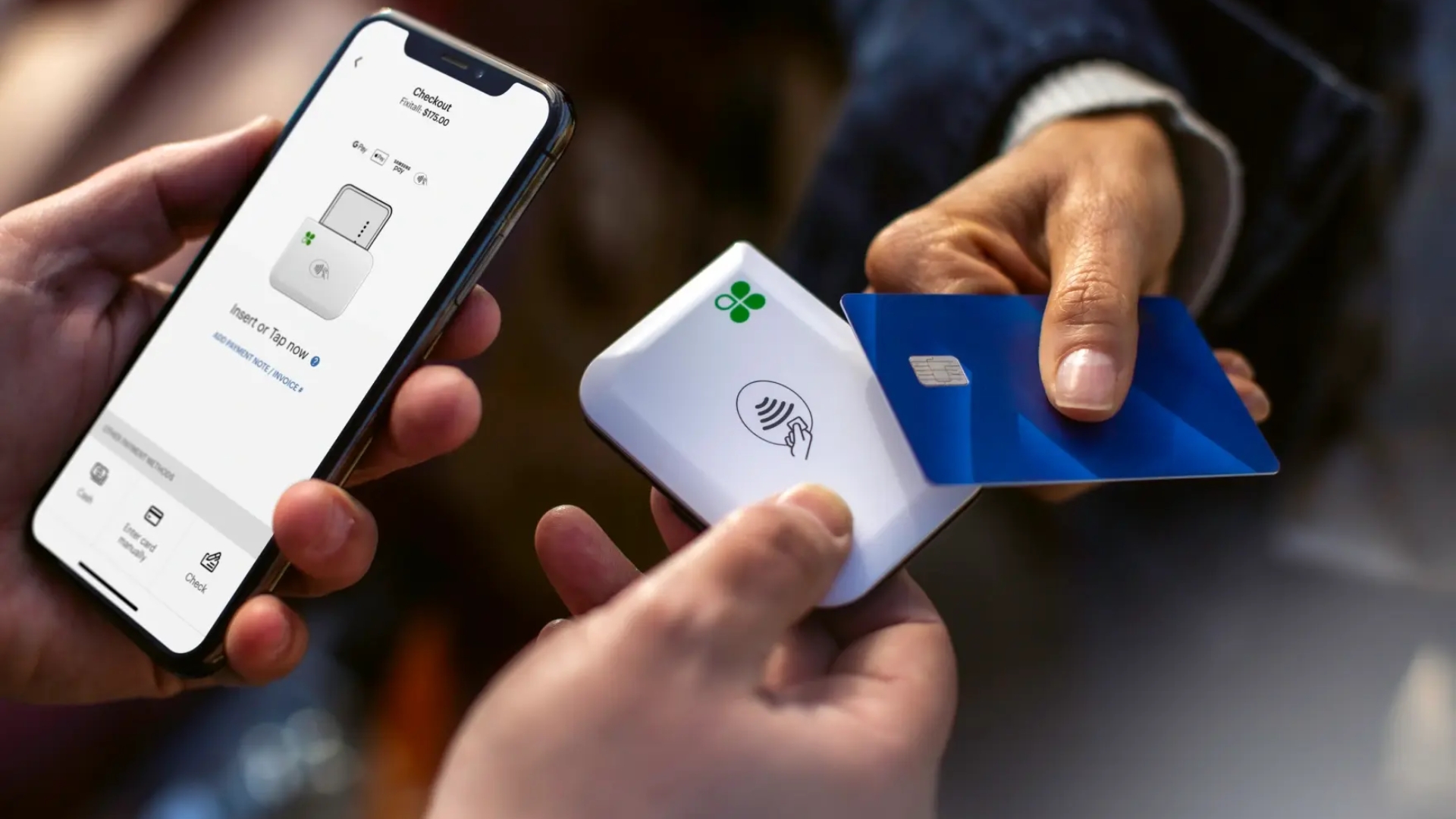
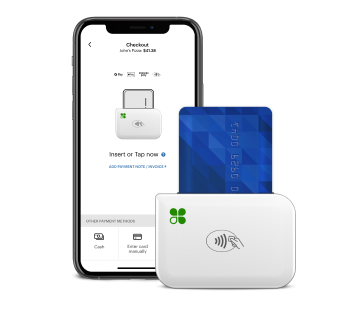
Mobile payments with Clover Flex or Clover Go for field teams, events, or curbside work. Receipts by email or text. All connected to one dashboard.
Owner Visibility
Sales reports, tip summaries, tax reporting, deposit and payment visibility, and access to Clover's app market for add-ons that match how the business grows.
Eight Things Clover Can Help Your Business Do
Not every business needs all of these. OmniPayUSA helps you choose which capabilities actually match your workflow.
Counter Checkout
Full POS experience with menus, modifiers, tips, customer-facing display, and end-of-day reporting.
Orders + Menus
Menu management, modifiers, specials, categories, and kitchen routing for food and beverage businesses.
Invoices + Estimates
Send invoices, collect deposits, and accept payments without the customer needing to be at the counter.
Gift Cards + Loyalty
Sell and redeem gift cards. Run simple loyalty programs that keep customers coming back.
Mobile Payments
Accept payments in the field, at events, or curbside using Clover Flex or Clover Go.
Online Ordering
Allow customers to order ahead, pay online, and pick up — or integrate with delivery workflows.
PracticePay
Patient billing workflows, HSA/FSA acceptance, text-to-pay, and co-pay or balance collection for healthcare providers.
Clover Capital
For eligible merchants: access working capital based on future sales, not a traditional loan application. Availability and terms vary.
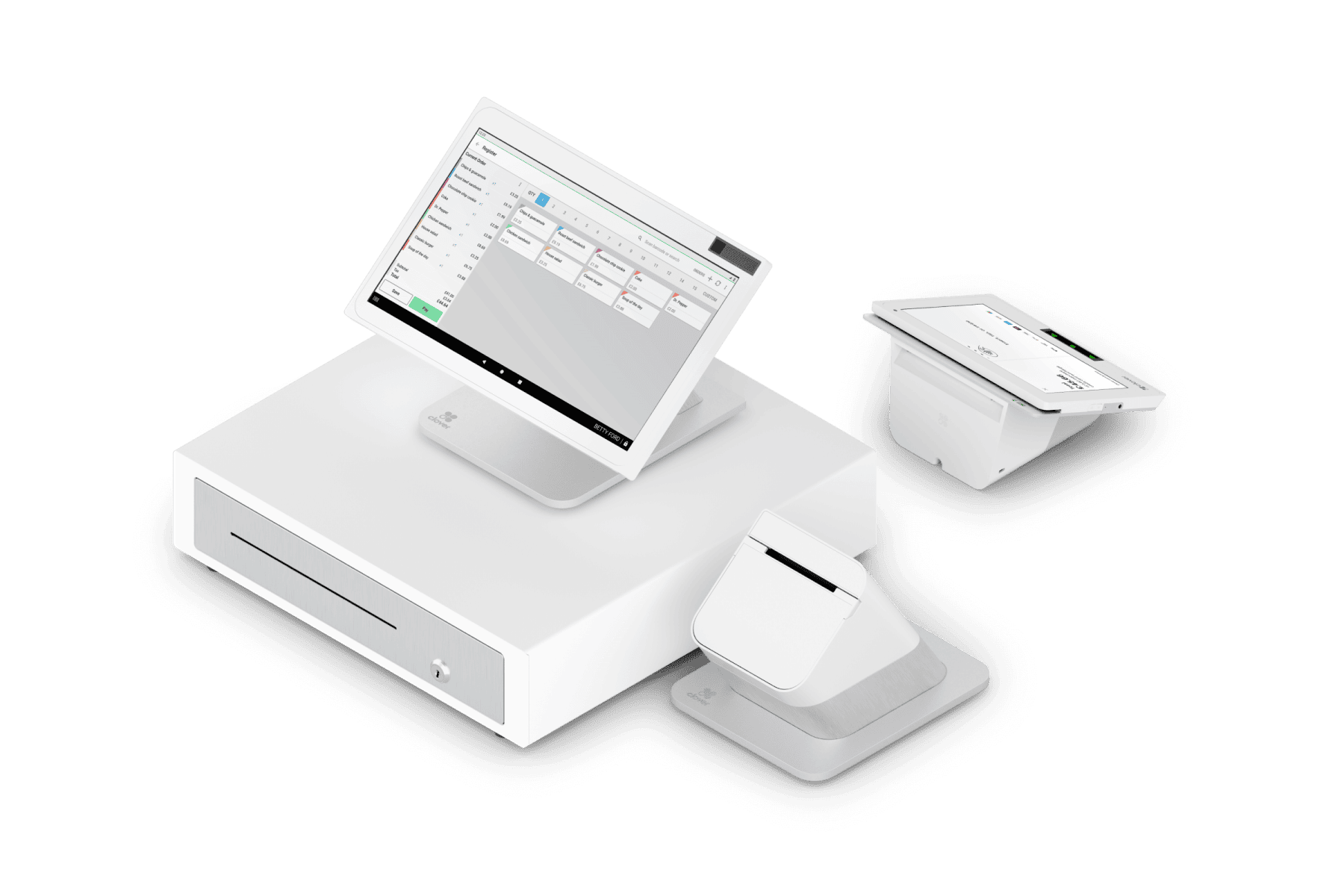
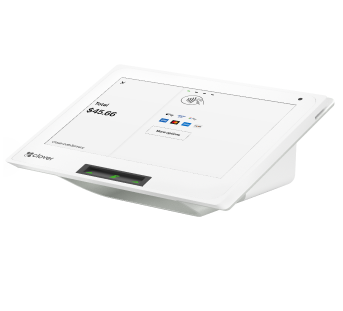
Choosing the Right Device for How Your Business Works
The right hardware depends on your counter setup, whether you need mobility, how many locations you have, and how customers interact with checkout.
When Clover Is the Right Call — and When It Is Not
Clover is not the best fit for every business. Here is a plain-English guide to help you decide.
| Situation | Where Clover Makes Sense | When Another Tool May Fit Better |
|---|---|---|
| Daily counter checkout | Clover Clover is a strong fit for POS, tips, receipts, and reporting. Most counter businesses with moderate volume will find the workflow straightforward. | A basic standalone terminal may be enough if POS features like menus, inventory, and reporting are not needed. |
| Quick-service food | Clover Clover can work well for smaller QSRs, cafés, and food trucks that need menus, modifiers, and basic order flow. | For food halls, venues, or more complex hospitality needs, compare Tabit or INFI which are built specifically for those environments. |
| Service billing + invoices | Clover Clover can support client invoices, payment links, and basic billing workflows alongside the POS. | For heavy accounts receivable automation, automated reminders, and reconciliation at scale, compare Biller Genie or gateway tools like NMI. |
| B2B invoices + purchase orders | Clover Clover may work if POS visibility also matters to the business. | For B2B-first Level 2/Level 3 processing, commercial card data, and gateway-driven billing, compare CardPointe, Valor PayTech, or NMI. |
We help with the parts most owners do not want to figure out alone
Getting Clover set up correctly from the start saves a lot of time later. Most of the friction in a Clover rollout is not the hardware — it is the configuration, the edge cases, and the questions that come up after day one.
Device and Plan Fit
We help match the right Clover device or device mix to your counter setup, mobility needs, team size, and transaction volume — before you commit to anything.
Setup Details That Matter
Users and permissions, tax configuration, tip workflows, receipt settings, menu structure, inventory basics, invoice setup, and reporting access — we handle the details most owners do not want to figure out alone.
Staff Confidence
Your team should be able to use the system without calling you every time something comes up. We help get the workflow right from the start.
Support After Launch
Questions after go-live, statement reviews, configuration adjustments, and a real person who already knows your setup — available after the launch, not just during it.
How We Get You From Decision to Launch
No confusing technical proposals. We start with how your business works and build the setup around that.
Talk Through the Workflow
We review how your business accepts payments today — counter, mobile, invoices, online, or a mix — and what you actually need Clover to do.
Choose the Right Setup
We recommend the right device or device mix, plan, and configuration based on your volume, team size, location, and daily operation.
Prepare for Launch
We handle the setup details: users, taxes, tips, receipts, menus or inventory basics, reporting access, and payment processing configuration.
Support the Handoff
We make sure the team knows how to use the system, walk through the reporting dashboard, and stay available after launch for questions and adjustments.
What Business Owners Usually Ask About Clover
Is Clover only for restaurants?
Can Clover help with invoices?
Does Clover work for healthcare payments?
Can I add gift cards later?
What if Clover is not the best fit?
Need help deciding if Clover is right for your business?
Tell us how your business accepts payments today. We will help you compare the right Clover setup, device options, and support needs — without making the process feel complicated.
Let's Build the Right Clover Setup for You
Whether you are starting fresh, replacing a system, or adding Clover alongside existing tools, OmniPayUSA can help you choose the right fit — without guessing.