Dejavoo payment solutions
Payment equipment should make business easier—not add another headache.
Dejavoo gives you flexible ways to accept payments with countertop, wireless, and mobile options, plus POS and gateway capabilities for invoices and online checkout. OmniPayUSA provides local setup support and helps you choose the right device for the workflow your business already depends on.
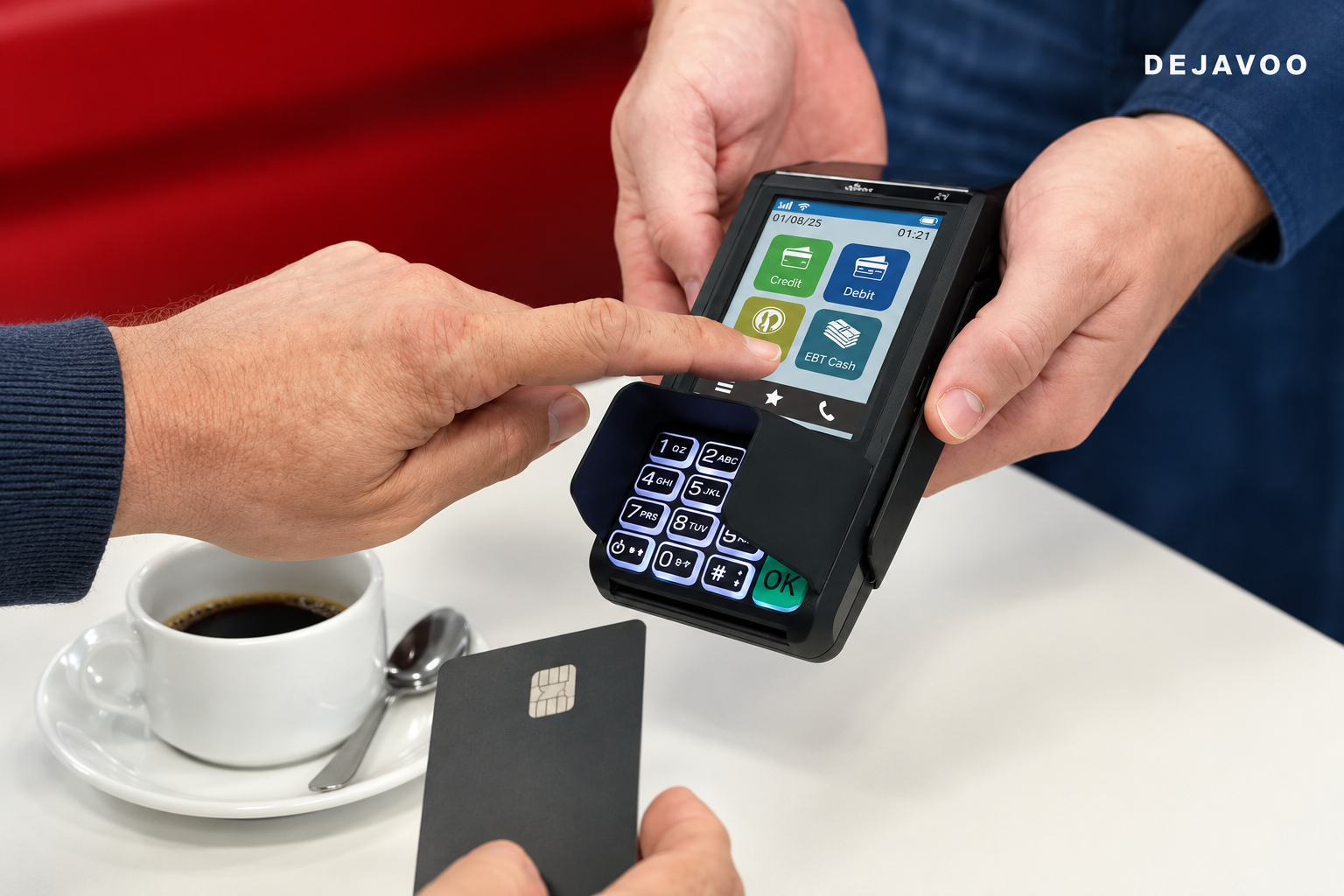
Built around the way you collect
One payment setup. Five ways to get paid.
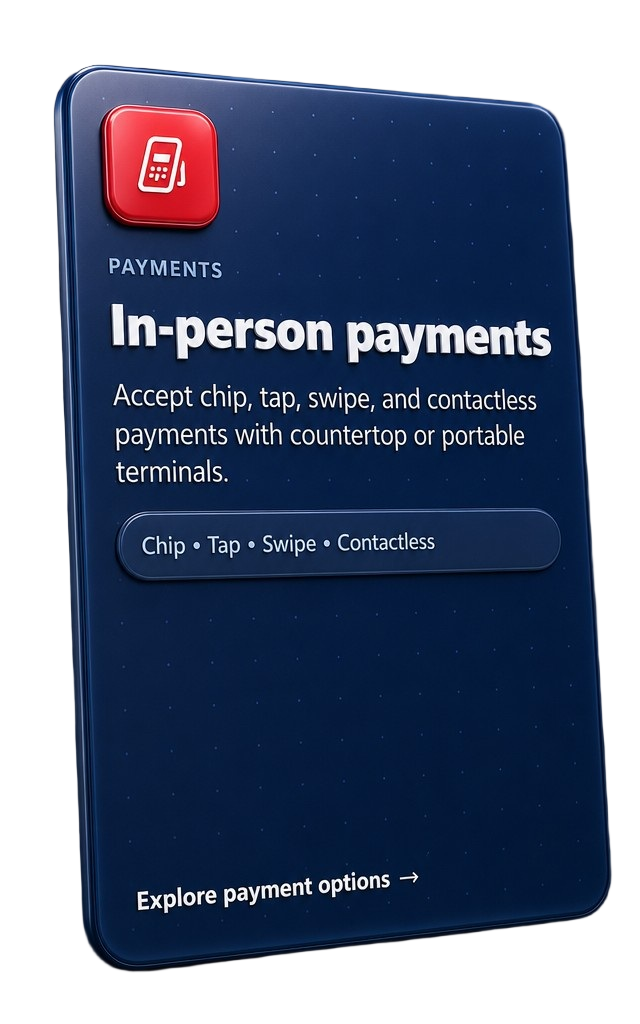
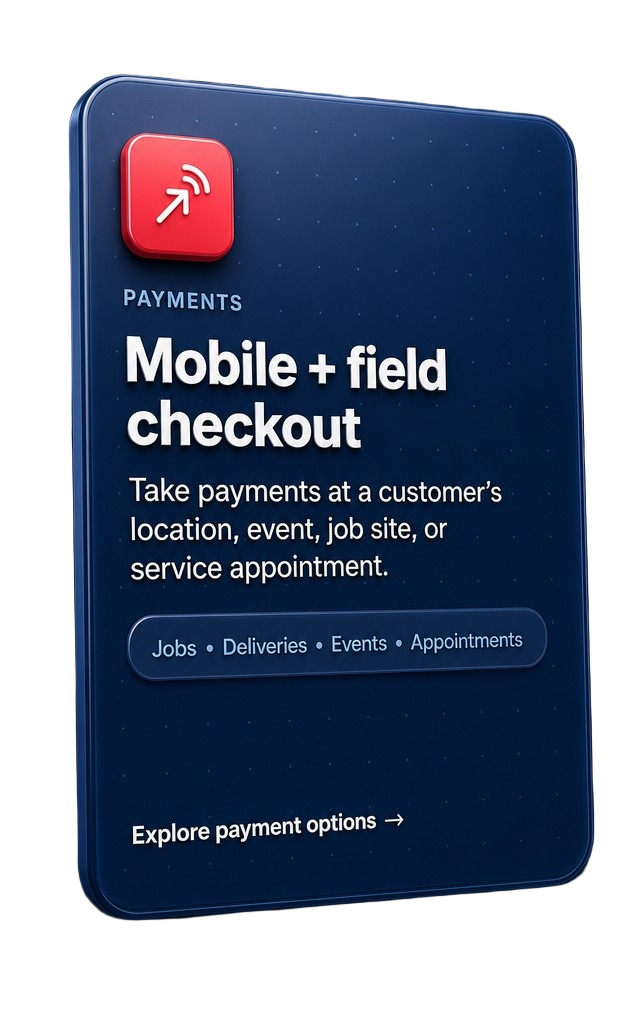
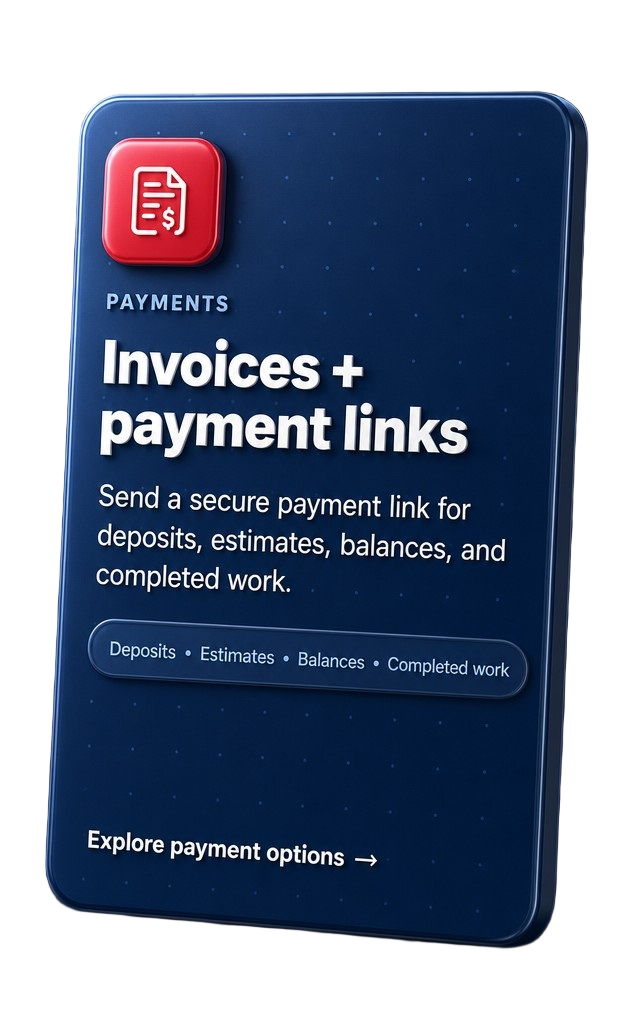
Dejavoo gives you flexible options for the moments that matter most—from the counter to the job site, the invoice, online checkout, and unattended locations.
Built around the way you collect
One payment partner. More ways to get paid.
Dejavoo equipment can support different payment moments without forcing every business into the same setup.
Equipment preview
Choose the form factor that fits your day.
These cards are a static equipment preview for now. Individual model pages can be connected later as they are created.
Product names and imagery are shown for identification; final availability and configuration depend on your business needs.

Z8
Countertop terminal for dependable everyday checkout.
Details coming soon
Z9
Wireless flexibility for mobile and customer-facing businesses.
Details coming soon
Z11
Countertop POS-style terminal for efficient EMV acceptance.
Details coming soon
P1
Android countertop experience for retail, restaurants, and services.
Details coming soon
QD4
Android countertop option with a customer-friendly display.
Details coming soonFind the right fit
Dejavoo can be a strong fit—but it is not automatically the right answer for everyone.
That is why OmniPayUSA reviews how you operate before recommending a model, gateway, or software layer.
Dejavoo may fit when you need:
- Countertop or portable card acceptance
- Mobile payments for field service or events
- Invoice deposits and payment links
- Hosted checkout or recurring billing
- A practical setup without a full IT department
Another solution may fit better when you need:
- Full-service restaurant table and kitchen management
- Deep scheduling, estimating, or field-service software
- A highly specialized accounting or enterprise workflow
- A different POS ecosystem for inventory or operations
- More advanced business features than a terminal can provide
Start with your day
Tell us where customers pay, what slows the team down, and what you need to improve.
Compare the fit
We look at volume, workflow, integrations, and hardware needs—not just a product name.
Make the decision clear
You receive a practical recommendation and understand what the setup will actually do.
Get moving
Setup, training, configuration, and ongoing support help the equipment work in real life.
Good questions lead to better decisions
Still deciding which Dejavoo setup makes sense?
You do not need to know the model number before starting. Tell us how your business gets paid, and we will help narrow the options.
Use the Business AdvisorCan Dejavoo handle more than in-person payments?
Depending on the configuration, Dejavoo may support countertop, wireless, mobile, invoice-link, hosted-checkout, virtual-terminal, and recurring-payment workflows. The right mix depends on your business and account setup.
Can OmniPayUSA help me choose between Dejavoo and another POS?
Yes. OmniPayUSA evaluates the workflow first. If another solution is a better match for restaurant operations, accounting, inventory, or field service, we will explain that.
Will you install and train my team?
Setup, configuration, installation, and training may be available depending on the equipment and business requirements. We will outline the support plan before moving forward.
Can Dejavoo connect with invoices or payment links?
Payment-link and hosted-checkout options may be available through the selected gateway and configuration. We can review how deposits, balances, online payments, or recurring billing fit your workflow.
Are the equipment cards above clickable?
Not yet. They are intentionally static until the individual equipment pages are created. Once those pages are ready, each card can be converted into a link without changing the layout.
Your next step
Let’s find the payment setup that fits your business.
No pressure. No automatic enrollment. Just a practical conversation about what works.