Tampa Bay Region · Florida
Your business deserves a setup that keeps up.
Payment processing, POS systems, websites, local visibility, and practical business support for the way Tampa Bay businesses actually operate.
Choose your service area
Support that feels local because it is.
Explore your city page for local business context, payment options, technology guidance, and growth support from OmniPayUSA.
Start with the business problem
What would make the biggest difference right now?
There is no universal setup. Choose the outcome that matters most and we’ll help connect the right payment, technology, and growth tools.
Talk Through My OptionsSave time and reduce friction
Simplify checkout, reporting, reconciliation, and everyday tasks so your team can spend more energy serving customers.
Explore payment & POS optionsDifferent businesses. Different workflows.
Find the kind of support your operation needs.
OmniPayUSA helps you think through the whole workflow — not just the card reader.
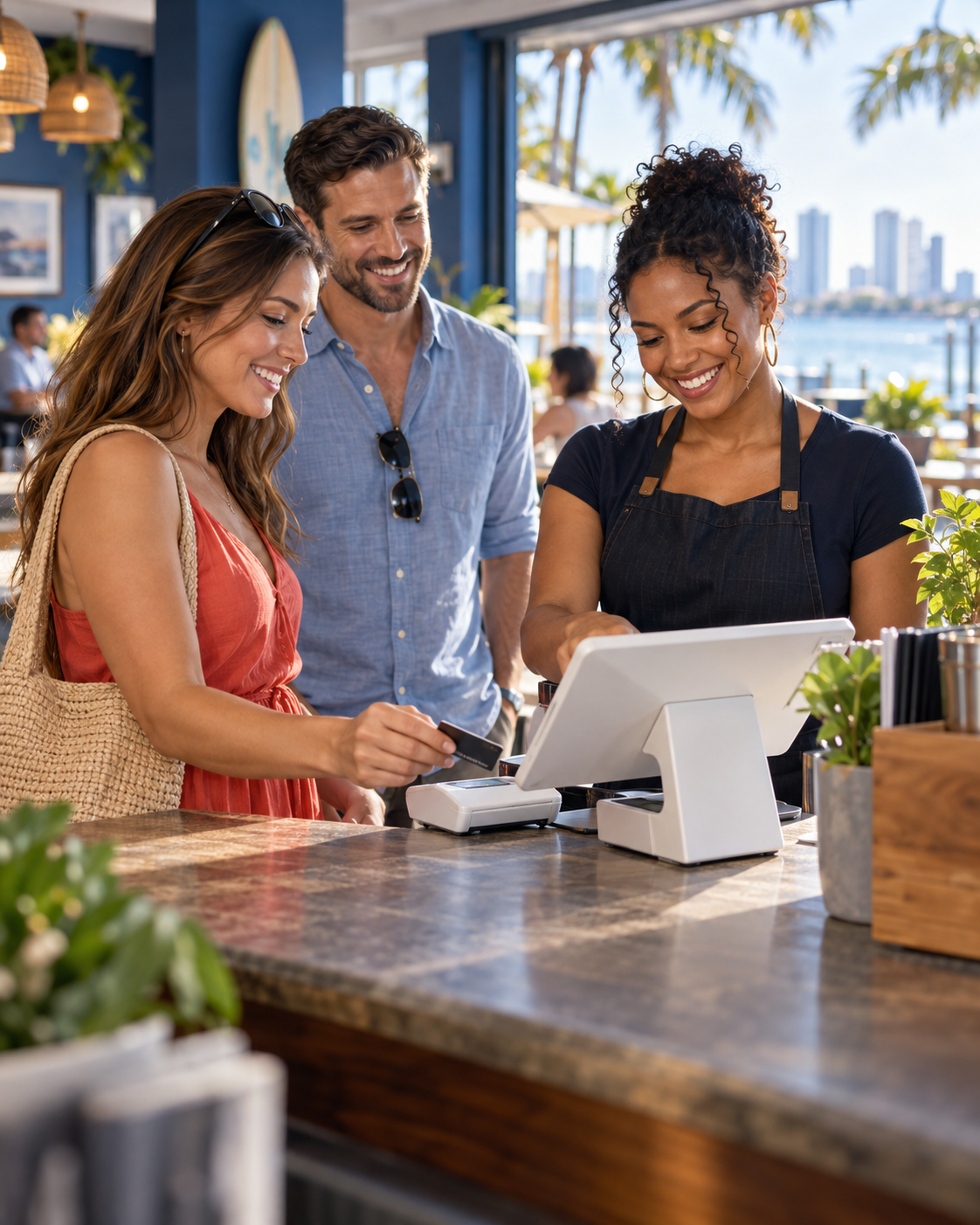
Keep the line moving without losing control.
Coordinate checkout, menus, tips, online ordering, staff access, and reporting with a system your team can learn.
- Counter, table-side, and takeout workflows
- Online ordering and integration guidance
- Hands-on setup and team training

Make every sale easier to track.
Connect payments with inventory, customer experiences, promotions, and the reporting you need to make better decisions.
- Inventory and barcode workflows
- Loyalty and customer engagement options
- Multi-location readiness

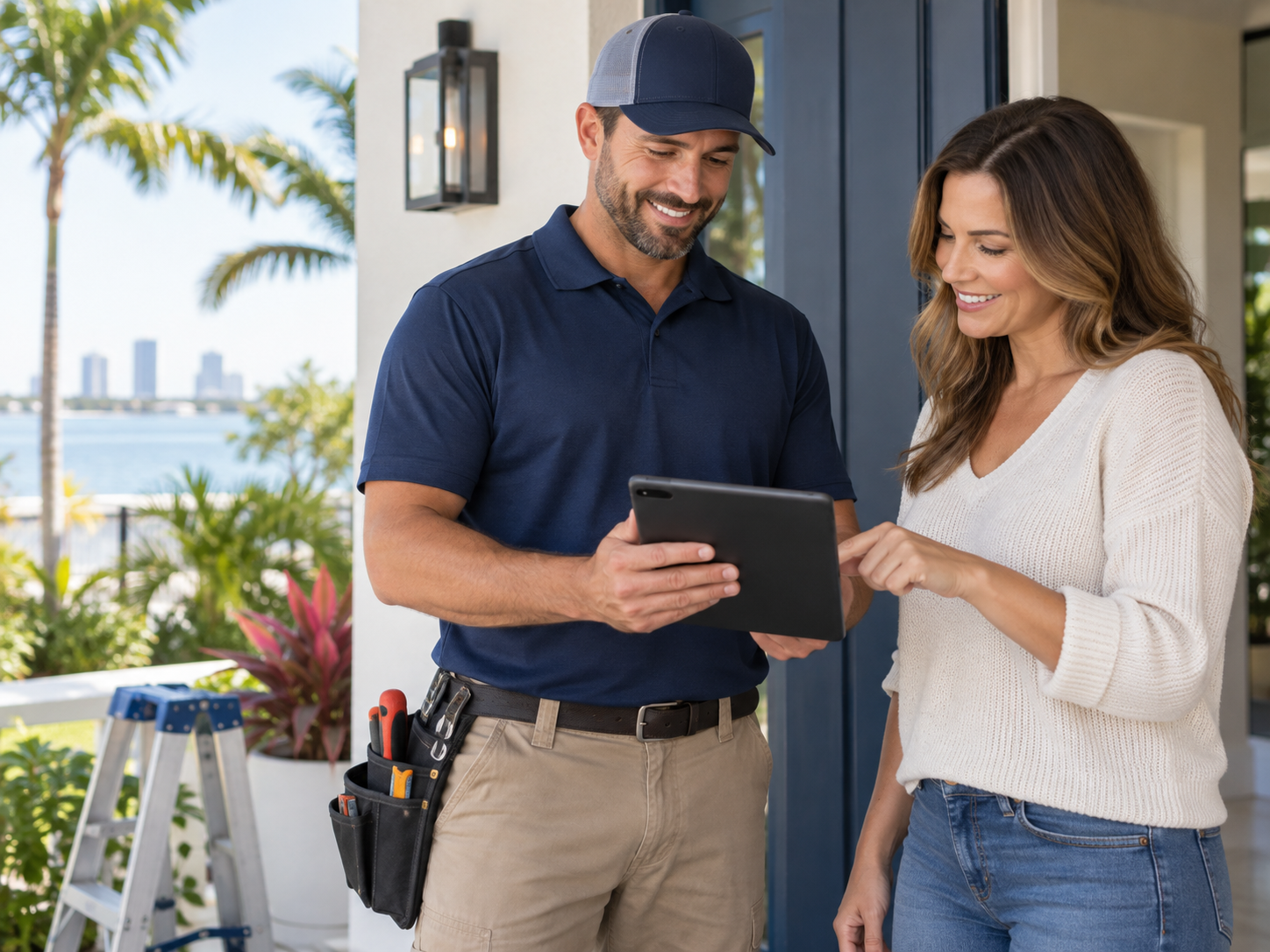
Get paid wherever the work happens.
Give contractors, consultants, healthcare providers, and professional teams a smoother way to collect, invoice, and reconcile.
- Mobile and on-site acceptance
- Invoices, payment links, and ACH options
- QuickBooks integration guidance
Make giving simple and meaningful.
Support in-person giving, online donations, recurring contributions, events, and reporting with a practical setup for your ministry.
- Donation and recurring-giving workflows
- Online and in-person payment options
- Training for staff and volunteers

The OmniPayUSA difference
A better setup starts with a better conversation.
We help you move from uncertainty to an operating setup your business can actually use.
Tell Us
Share how your business takes payments, where the friction is, and what you want to improve.
Get Direction
We explain the options in plain language and identify what fits your workflow.
Review It
Look over the setup, pricing, equipment, integrations, and next steps before deciding.
Implement
We help configure, install, train, and support the system as your business moves forward.
Tampa Bay answers
Questions before you make a change?
Here are a few of the questions business owners ask when they are comparing payment processing, POS, and business technology options.
Can OmniPayUSA help me choose between different POS systems?
Yes. We start with your workflow, transaction volume, business type, integrations, and growth plans, then explain which options may fit.
Do you provide local installation and training?
For eligible local setups, OmniPayUSA can configure equipment, help connect the workflow, and train your team before launch.
Can you review my current processing statement?
Yes. A business review can help identify confusing fees, pricing opportunities, equipment concerns, and workflow issues.
Do you support online and mobile payments?
We help businesses evaluate online checkout, payment links, virtual terminals, mobile acceptance, and integrated payment options.
Can you connect payments with QuickBooks?
OmniPayUSA can help evaluate QuickBooks Online or Desktop integration options to reduce manual reconciliation work.
Do you help with websites and Google visibility too?
Yes. Website development, Google Business Profile support, local SEO, reputation management, and analytics can be part of a broader growth plan.
Ready when you are
Let’s find the right setup for your Tampa Bay business.
Request a practical business review with no pressure and no need to figure everything out alone.
Serving Tampa Bay and surrounding Florida communities · Monday–Friday, 9 AM–6 PM